Introduction
A website is important for many UK businesses, bloggers, and creators. But building one can seem hard if you do not know how to code.
A website builder makes the process easier. It lets you create pages, add images, change designs, and publish content with simple tools.
You can use a website builder to create a business website, blog, portfolio, or online shop. Some tools also provide hosting, domain support, SEO features, and mobile-friendly designs.
But not every website builder is the same. Some are made for beginners, while others offer more control for growing websites.
In this guide, you will learn how website builders work, what features to look for, how much they can cost in the UK, and how to choose one for your needs.
What Is a Website Builder?
A website builder is a tool for creating a website. It lets you build pages without writing every line of code.
Most website builders include ready-made templates. Many also provide visual editing tools, hosting, and basic SEO settings.
You can use a website builder for many types of sites. These include business sites, blogs, portfolios, and online shops.
Some platforms are made for simple sites. Others focus on design, blogging, or ecommerce.
The right choice depends on what you need your website to do.
How Does a Website Builder Work?
A website builder keeps many website tasks in one place. You choose a platform and then create your site.
The basic process looks like this:
- Choose a website builder.
- Pick a template or layout.
- Add your main pages.
- Add text and images.
- Change the design.
- Connect a domain.
- Check the mobile view.
- Set up basic SEO.
- Test the site.
- Publish it.
You do not need to manage a web server with many hosted builders. For example, Wix provides hosting as part of its service. Squarespace also includes hosting with its plans.
This can make website creation easier for beginners.
Types of Website Builders
Not every website builder works in the same way. Different platforms suit different needs.
Drag-and-Drop Builders
Drag-and-drop builders use a visual editor.
You can move sections, images, buttons, and other items on a page. This means you can build a site without writing code.
These tools can suit users who want a simple way to control page design.
Hosted Website Builders
A hosted website builder includes hosting as part of the service.
You build the site on the provider’s platform. The provider then manages much of the technical side.
Wix and Squarespace are examples of platforms that include hosting.
This setup can reduce the number of services you need to manage.
Ecommerce Website Builders
Ecommerce builders focus on online shops.
They may include tools for:
- Products
- Shopping carts
- Payments
- Stock
- Orders
- Shipping
- Discounts
- Customer accounts
Shopify is built around ecommerce. Its current plans include hosting and SSL, while payment and other fees can vary by setup.
Blogging Platforms
Some website platforms work well for blogs.
They can help you publish posts and organise content. Useful tools include categories, tags, author pages, feeds, and SEO settings.
A blog may start small but grow over time. So, check how easy it is to manage many posts.
AI Website Builders
AI website builders use artificial intelligence to help create a site.
They may generate page layouts, text, images, or design ideas.
AI can save time at the start. However, you should still check every page before publishing it.
You need to make sure the text is correct and useful.
Open-Source CMS Platforms
An open-source CMS gives you more control over the website.
WordPress.org is a common example. You can install the software on a hosting service of your choice.
This can give you more control than a closed website platform. But it can also require more technical work.
Do not treat every WordPress setup as the same. WordPress.com and self-hosted WordPress use different models.
Popular Website Builder Options
Several well-known platforms are available in the UK.
These include:
- Wix
- Squarespace
- Shopify
- WordPress.com
- WordPress.org
- Webflow
- GoDaddy Website Builder
Each platform has a different focus.
Wix and Squarespace provide hosted website tools. Shopify focuses strongly on online shops. WordPress.com provides managed WordPress hosting, while WordPress.org is software that you can use with separate hosting.
Webflow gives users strong visual design control. GoDaddy also provides tools for creating websites.
Features and plans can change. Always check the provider’s current information before buying.
Website Builder Comparison
| Platform | Best Known For | Coding Needed | Ecommerce | Hosting |
|---|---|---|---|---|
| Wix | Visual website building | Usually no | Yes | Included |
| Squarespace | Design-focused sites | Usually no | Yes | Included |
| Shopify | Online shops | Usually no | Strong | Included |
| WordPress.com | Websites and blogs | Usually no | Depends on plan | Included |
| WordPress.org | Flexible websites | May need technical work | Yes | Separate hosting |
| Webflow | Visual design control | Can be used visually | Yes | Platform dependent |
| GoDaddy Website Builder | Simple website setup | Usually no | Depends on plan | Included |
The table gives a simple view of each platform.
It does not show which platform is right for every user. Your needs should guide the choice.
Website Builder for Beginners
Beginners often need a simple editor.
Look for features such as:
- Easy dashboard
- Clear templates
- Simple page editor
- Hosting
- Domain support
- Mobile design
- Basic SEO tools
- Helpful support
- Easy publishing
A simple platform can save time.
But simple does not always mean better for every project. A growing business may need more control later.
So, think about your future needs before you choose.
Website Builder for Small Business
A small business website should make it easy for people to learn about the business.
Useful features include:
- Professional design
- Contact forms
- Service pages
- Product pages
- Business email options
- Analytics
- Mobile support
- Booking tools
- Reviews
- Social media links
- Local SEO tools
For example, a local plumber may need service pages, a contact form, a phone number, and opening details.
A small shop may need product pages and payments instead.
The best platform depends on the business model.
Website Builder for Blogging
A blog needs more than a nice homepage.
Check how the platform handles:
- Blog posts
- Categories
- Tags
- Authors
- Images
- Search-friendly URLs
- Internal links
- SEO settings
- Comments
- Feeds
Content can grow quickly.
A site with ten posts is easy to manage. A site with 1,000 posts needs better organisation.
So, think about your long-term content plan before choosing a platform.
Website Builder for Online Shops
Online shops have extra needs.
A useful ecommerce platform should support:
- Product pages
- Shopping carts
- Payments
- Stock control
- Shipping
- Product images
- Discount codes
- Order management
- Customer support
- Ecommerce SEO
UK businesses should also check payment and delivery options.
Different platforms support different payment methods and sales features. Shopify, for example, states that its plans include ecommerce hosting and that payment options can vary by country.
Check the current options before choosing a plan.
Website Builder for SEO
A website builder can provide useful SEO tools.
Look for:
- Page titles
- Meta descriptions
- Clean URLs
- Heading controls
- Image alt text
- XML sitemaps
- Redirects
- Canonical settings
- Mobile-friendly design
- Page speed tools
- Structured data support
However, SEO tools do not guarantee rankings.
Your content still needs to answer search intent. Your site also needs useful pages and a good user experience.
Google says good page experience includes mobile display, secure pages, and good Core Web Vitals.
Google also provides guidance for structured data and recommends checking it before publishing.
Mobile-Friendly Design
Many people browse websites on phones.
So, your website should work well on small screens.
Check these areas:
- Text size
- Menu design
- Button size
- Page width
- Image size
- Forms
- Loading time
Do not only check the desktop version.
Open your site on a phone before you publish it.
Try the menu. Open the contact form. Read the text. Click the buttons.
Small problems can make a site hard to use.
Website Hosting
Hosting stores your website files and makes them available online.
Think of hosting as the space where your website lives.
There are three common setups.
Website Builder With Hosting
The platform provides both the builder and hosting.
This is common with hosted platforms. Wix, Squarespace, Shopify, and WordPress.com all provide hosted options.
Website Builder Without Included Hosting
Some tools may focus on website creation while you use another hosting service.
You need to check the platform’s current setup before choosing it.
Self-Hosted Website
With self-hosted WordPress, you choose a hosting company and install WordPress there.
This gives you more control.
It also means more responsibility for hosting, updates, security, and backups.
Domain Names
A domain is your website address.
For example:
example.co.uk
A custom domain looks more professional than a free subdomain.
You can often buy a domain through your website platform. You can also buy one from another domain provider and connect it to your website.
UK businesses often use .uk or .co.uk.
Business.gov.uk advises businesses to choose a web address that is easy to remember and relevant to the business. It also says a .uk domain can suit a business with a main UK customer base.
However, not every UK business must use a UK domain.
Choose the domain that fits your brand and audience.
How Much Does a Website Builder Cost in the UK?
Website builder costs vary.
Do not look only at the monthly plan.
Also check:
- Domain costs
- Renewal costs
- Ecommerce plans
- Premium templates
- Extra storage
- Business email
- Apps
- Payment fees
- Transaction fees
- Extra features
Some platforms offer free plans. Others offer free trials instead.
For example, Squarespace currently offers a free trial rather than a permanent free plan.
Shopify includes hosting in its plans, but transaction fees can vary by payment setup.
Always check current UK pricing before buying.
Free vs Paid Website Builders
| Feature | Free Plan | Paid Plan |
|---|---|---|
| Website | Usually available | Available |
| Custom domain | Often limited | Usually available |
| Branding | May remain | Often reduced or removed |
| Storage | Often limited | Usually higher |
| Support | Limited or varies | Often more options |
| Ecommerce | Often limited | Usually stronger |
| Business features | Limited | More available |
Free plans can be useful for testing.
They may also work for small personal projects.
But a business usually needs a custom domain and more control.
Check the limits before you publish a serious website.
Website Builder vs WordPress
Website builders and WordPress can both create websites.
But the setup can be different.
| Feature | Website Builder | WordPress |
|---|---|---|
| Setup | Usually simple | Can require more setup |
| Coding | Often optional | Optional but useful |
| Hosting | Often included | Depends on version |
| Plugins | Depends on platform | Large plugin ecosystem |
| Control | Depends on platform | High |
| Maintenance | Often handled by provider | More responsibility with self-hosting |
WordPress.com is a hosted service. WordPress.org is open-source software that you can install with a hosting provider.
That difference matters.
If you want less technical work, managed hosting may be easier.
If you want more control, self-hosting may give you more options.
Website Builder vs Custom Website
A website builder gives you ready-made tools.
A custom website starts with more control over the design and code.
Website Builder
- Faster setup
- Lower technical barrier
- Ready-made templates
- Managed features
- Easier maintenance
Custom Website
- More design control
- Custom features
- More development work
- Higher possible cost
- More technical needs
A local business may not need a custom website.
A large company with a special web system may need one.
Think about the project before deciding.
Features to Look For
Use this checklist before choosing a platform:
- Easy editor
- Responsive design
- SEO tools
- Custom domain
- Hosting
- SSL
- Analytics
- Backups
- Forms
- Ecommerce tools
- Integrations
- Support
- Export options
- Migration options
You may not need every feature.
Focus on the features that match your website.
For example, a blog needs strong content tools. An online shop needs strong product and payment tools.
Common Website Builder Mistakes
Choosing Only by Price
A cheap plan may lack important features.
Check the full cost before deciding.
Ignoring Mobile Design
A site may look good on a computer but poor on a phone.
Always test both.
Choosing a Poor Template
A template can affect the whole site.
Pick one that fits your content.
Forgetting SEO
A good design does not replace SEO.
Set page titles, URLs, headings, and image details.
Using Large Images
Large images can slow pages.
Compress images before uploading them.
Creating Too Many Pages
More pages do not always make a site better.
Create pages that serve a clear purpose.
Ignoring Site Speed
Slow pages can hurt the user experience.
Use simple layouts and smaller media files.
Not Checking Domain Ownership
Know who owns your domain.
Keep your account details safe.
Failing to Back Up Content
Do not assume every platform gives you the same backup options.
Check how backups work before you need one.
Not Reading Plan Limits
A low-cost plan may have limits.
Check storage, products, users, features, and other limits.
How to Choose a Website Builder
Follow a simple process.
Step 1: Decide the Goal
Ask what your website needs to do.
Is it a blog? A business site? A shop?
Step 2: Set a Budget
Think about the full yearly cost.
Include the domain and extra tools.
Step 3: List Your Needs
Write down the features you must have.
Keep the list short.
Step 4: Compare Platforms
Look at platforms that match your needs.
Do not compare every builder on the market.
Step 5: Test the Editor
Use a free plan or trial when available.
Build one sample page.
Step 6: Check Mobile Design
Open the sample page on your phone.
Check the menu and forms.
Step 7: Review SEO Tools
Check titles, URLs, redirects, sitemaps, and other SEO settings.
Step 8: Check Hosting and Domain Terms
Know what is included.
Check renewal terms too.
Step 9: Read Plan Limits
Look for limits on storage, products, users, or features.
Step 10: Choose the Right Fit
Pick the platform that fits your project.
Do not choose only because it is popular.
How to Build a Website
You can build a simple website in a few main steps.
Step 1: Choose a Website Builder
Pick a platform that fits your goal.
Step 2: Pick a Domain
Choose a clear name.
Make sure it is easy to spell.
Step 3: Choose a Template
Pick a design that fits your brand.
Do not choose only because the template looks good.
Check its page structure too.
Step 4: Create Main Pages
Common pages include:
- Home
- About
- Services
- Products
- Blog
- Contact
You may not need every page.
Create pages based on your audience and business.
Step 5: Add Content
Write clear text.
Use short sections and useful headings.
Add images that support the page.
Step 6: Optimise for Mobile
Check every main page on a phone.
Fix small buttons and hard-to-read text.
Step 7: Set Up Basic SEO
Add useful page titles and descriptions.
Create clear URLs.
Add alt text to useful images.
Step 8: Test the Website
Check:
- Links
- Forms
- Images
- Menus
- Mobile pages
- Contact details
- Checkout
Step 9: Publish
Connect your domain.
Then make the website public.
Website Pages Every Small Business May Need
Many small businesses use these pages:
- Home
- About
- Services
- Products
- Contact
- FAQ
- Blog
- Privacy
- Terms
But every business is different.
A service business may need detailed service pages.
A shop may need product and delivery pages.
Legal pages should match the business and its actual needs.
Website Builder Security
Security matters for every website.
Look for basic security features such as:
- HTTPS
- SSL
- Strong passwords
- Updates
- Backups
- Account security
- Trusted integrations
Do not assume that any website builder is completely secure.
You still need to protect your account.
Use a strong password and enable extra account security when available.
Website Speed
A fast site is easier to use.
Large images are a common problem.
You can improve speed by:
- Compressing images
- Avoiding unnecessary apps
- Using simple layouts
- Reducing large media files
- Testing page speed
- Limiting extra integrations
Speed depends on many factors.
Your platform, design, images, scripts, and third-party tools can all affect it.
Google also encourages site owners to consider Core Web Vitals, mobile display, security, and overall page experience.
UK-Specific Considerations
UK users have a few extra points to consider.
.uk and .co.uk Domains
Both are common UK domain choices.
Choose one that fits your brand.
GBP Pricing
Check whether the provider shows UK pricing in pounds.
Also check taxes and renewal costs.
UK Customers
Think about your UK audience.
Use clear contact details and local information where useful.
Local SEO
A local business should make its location clear.
Include useful service areas and contact information.
UK Spelling
Use UK spelling when your main audience is British.
For example:
- organise
- colour
- centre
- specialise
UK Time Zone
If you offer bookings or live support, check your time settings.
Make sure customers see the correct times.
UK Payments
Online shops should check which payment options suit their customers.
Payment support varies by platform and region.
Can You Move a Website Later?
Sometimes you can move a website.
But the process depends on the platform.
You may be able to move:
- Domain
- Text
- Images
- Blog posts
- Products
- Customer data
However, some design features may not move easily.
This is why migration matters before you start.
Check whether the platform lets you export your content.
Also check whether you can keep your domain if you leave.
Do Website Builders Include Hosting?
Many hosted website builders include hosting.
Wix says hosting is included with its websites. Squarespace also includes hosting with its plans. Shopify includes hosting with its ecommerce plans. WordPress.com provides managed hosting.
Self-hosted WordPress works differently.
With WordPress.org, you normally choose a separate hosting provider.
Always check the exact plan before buying.
Do You Need to Buy a Domain?
You can often start with a free subdomain.
For example, some free plans give you an address linked to the platform.
A business usually looks more professional with its own domain.
A custom domain also makes it easier for people to remember your website.
For UK businesses, .uk and .co.uk are common options.
Business.gov.uk advises businesses to choose web addresses that are clear, relevant, and easy to remember.
Frequently Asked Questions
What is a website builder?
A website builder is a tool for creating websites. Many builders provide templates, visual editing, hosting, and basic SEO tools.
What is the easiest website builder for beginners?
Look for a simple editor, clear templates, hosting, domain support, and useful help. The easiest option depends on your needs.
How much does a website builder cost in the UK?
Costs vary by platform and plan. Check the full cost, including domains, extra tools, ecommerce features, and payment fees.
Can I build a website without coding?
Yes. Many website builders let you create and publish a site without writing code.
Do website builders include hosting?
Many hosted builders include hosting. Self-hosted platforms can work differently.
Do I need to buy a domain?
You can start with a free subdomain on some platforms. A custom domain is usually more suitable for a business.
Which website builder is best for a small business?
Look for a platform with the features your business needs. These may include forms, service pages, SEO tools, analytics, bookings, and mobile support.
Can I use a website builder for SEO?
Yes. Many builders provide SEO tools. But having SEO settings does not guarantee search rankings.
Can I build an online shop with a website builder?
Yes. Ecommerce builders can provide products, carts, payments, stock, shipping, and order tools.
Is WordPress a website builder?
WordPress can be used to build websites, but WordPress.com and WordPress.org work in different ways.
Are free website builders worth using?
Free plans can be useful for testing or simple projects. Check their limits before using one for a serious business site.
Conclusion
A website builder can make website creation much easier.
You can use one to create a business site, blog, portfolio, or online shop.
The right choice depends on your goals. Think about design, hosting, domains, SEO, mobile use, support, and future growth.
UK users should also check .uk and .co.uk domain options. They should check prices, payment tools, and support for their market.
Do not choose a platform only because it is popular or cheap. Test the editor and check the plan limits first.
A good website builder should fit the job you need to do. That is more useful than looking for one platform that suits everyone.
Featured Image
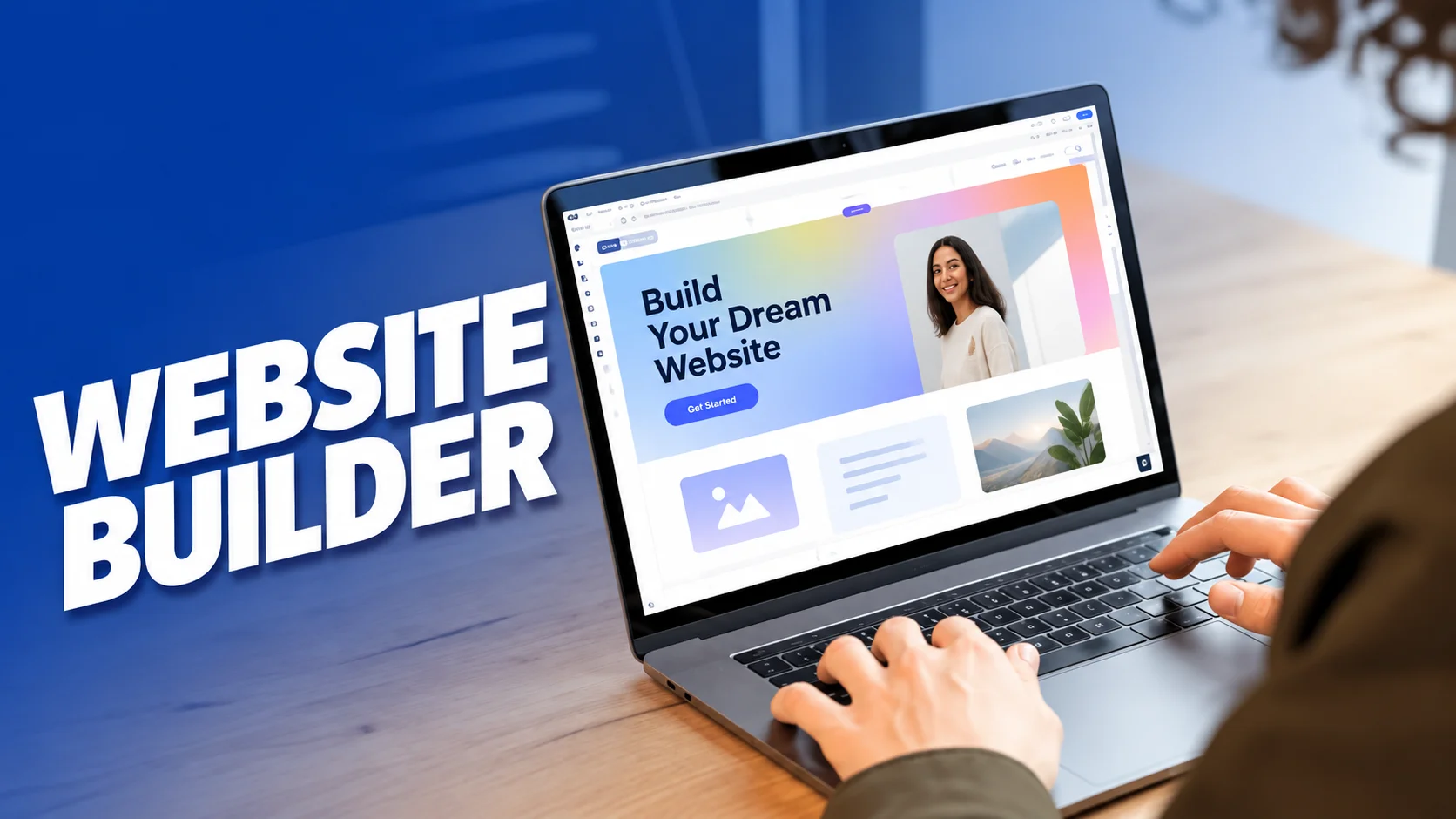
Image Prompt: Create a realistic modern UK home office with a laptop showing a clean website builder interface, website preview panels, a notebook, keyboard, and coffee cup. Use a professional but friendly style with natural daylight. Avoid excessive text inside the image.
ALT Text: Website builder interface on a laptop in a modern home office
Caption: A website builder can help users create and manage a website without writing every line of code.
Recommended Image Size: 1280 × 720 px