
Introduction
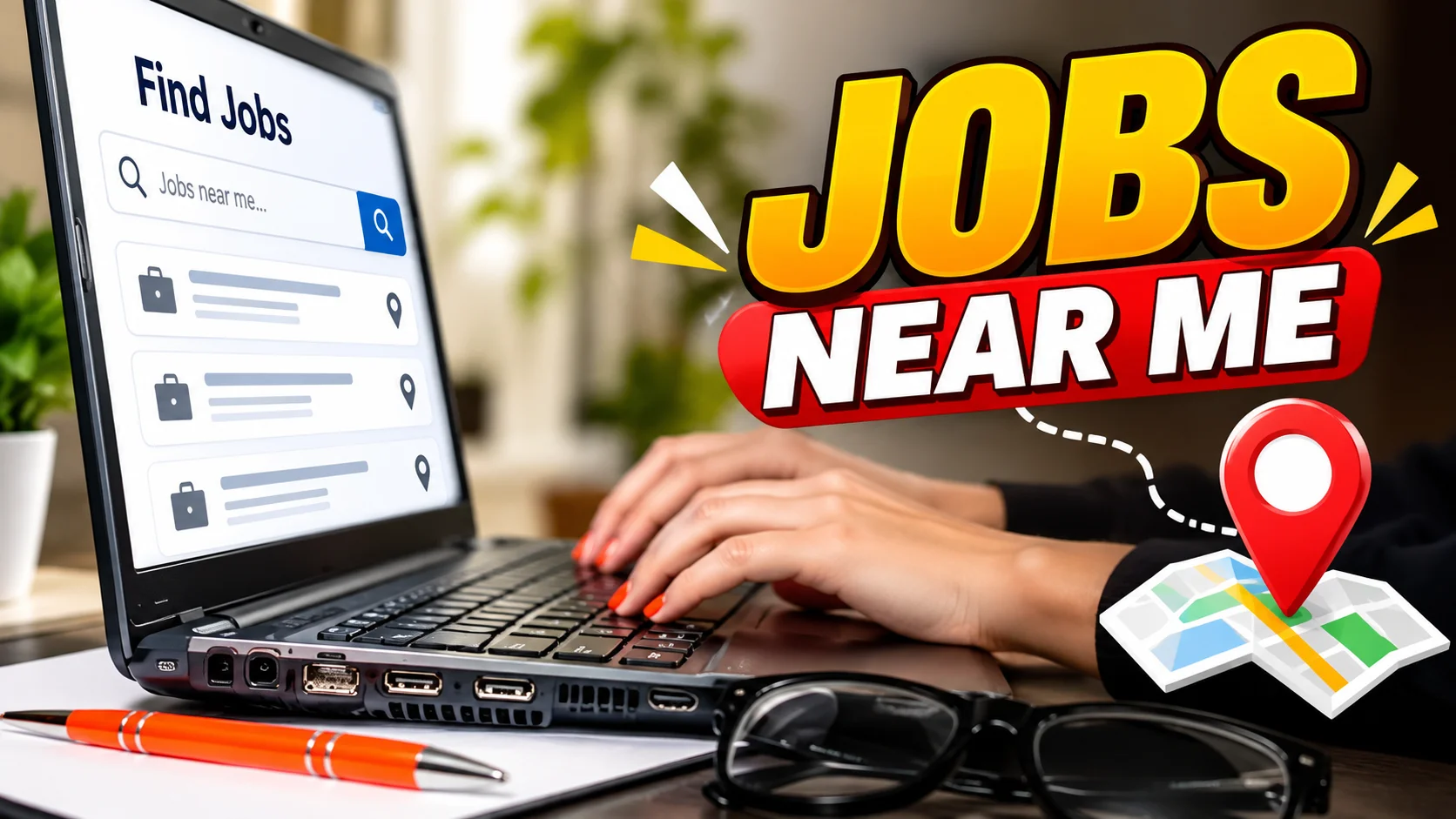
Looking for jobs near me can feel hard when you do not know where to start. You may see many job posts, but not all of them fit your skills, schedule, or location.
The good news is that you have many ways to find local work. You can use Google, job sites, company websites, local businesses, and your own network.
You can also narrow your search by city, ZIP code, distance, job type, and experience level.
This guide shows you how to find local jobs, check job posts, apply with care, and avoid fake job offers.
What Does “Jobs Near Me” Mean?
“Jobs near me” means job openings in or close to your local area. You can search by city, ZIP code, or distance to find nearby work.
For example, if you live in Dallas, you can search for:
- Jobs near me
- Jobs in Dallas
- Retail jobs near me
- Part-time jobs near me
- Office jobs near me
- Entry-level jobs near me
Google supports searches such as “jobs near me” and can show job opportunities from employers and career sites across the web.
The phrase does not always mean a job within walking distance. You can set a distance that works for your daily travel.
How to Find Jobs Near Me
You can use several methods to find local jobs.
Use Job Websites
Job sites let you search many openings in one place.
Start with a clear job title. Then add your city, state, or ZIP code.
For example:
Customer service jobs near me
You can then set filters for distance, job type, and experience.
Use Google Job Search
Google lets you search for jobs by location.
Try a search such as:
Warehouse jobs near me
You can also search:
Part-time jobs in Phoenix
Review the results and check where the job came from before you apply.
Check Company Career Pages
Many employers post jobs on their own websites.
If you know where you want to work, visit the company’s official website.
Look for pages such as:
- Careers
- Jobs
- Work With Us
- Open Positions
This can help you check that a job post is real.
Look at Local Businesses
Local stores, restaurants, clinics, offices, and service companies may hire workers.
Check their websites and local pages.
You can also visit a business and ask if it is hiring when appropriate.
Contact Recruiters
Staffing firms can help connect workers with open jobs.
Check the company before sharing personal details.
A legitimate staffing firm should explain the job and hiring process clearly.
Use Your Network
Tell people you know that you are looking for work.
Friends, former coworkers, teachers, and local contacts may know about open roles.
Do not limit your search to online applications.
Attend Job Fairs
Job fairs can connect you with several employers in one place.
Bring copies of your resume if the event allows them.
Prepare a short introduction about your skills and the type of job you want.
How to Search for Jobs by Location
Location filters can save you time.
Most job searches let you add details such as:
- City
- State
- ZIP code
- Distance
- Job title
- Experience level
- Job type
For example, you may search for:
Medical assistant + 30301 + 15 miles
This is more specific than searching for only:
Jobs near me
USAJOBS lets users search by city, county, state, ZIP code, country, or remote work. It also lets users change the search distance.
Use a Realistic Distance
Think about how far you can travel each day.
A job that looks close on a map may take much longer during traffic.
Choose a distance that fits your schedule and travel costs.
Search by ZIP Code
ZIP codes can make local searches more precise.
This is useful if you live near the border of two cities.
Add a Job Title
A job title can remove many unrelated results.
For example:
Accounting jobs near me
is more useful than:
Jobs near me
if you want accounting work.
Best Places to Search for Local Jobs
There is no single job site that works for everyone.
Different sources can help with different parts of your search.
| Source | Useful For |
|---|---|
| Finding job results across the web | |
| Indeed | Job searches and job alerts |
| Jobs and professional networking | |
| ZipRecruiter | Job listings and job searches |
| USAJOBS | Federal government jobs |
| Company websites | Direct employer applications |
| Local agencies | Staffing and temporary work |
Google says its job results can come from employers and career sites across the web.
USAJOBS is useful when you want federal jobs. Its search tools allow location and distance filters.
Indeed also lets job seekers create alerts based on a search. You can enter a job title, company, city, state, ZIP code, or remote location.
Use more than one source when needed.
Jobs Near Me by Job Type
Your search should match the type of work you want.
Part-Time Jobs Near Me
Part-time jobs can work well for people who need fewer work hours.
Try searches such as:
- Part-time retail jobs near me
- Part-time office jobs near me
- Part-time customer service jobs near me
- Weekend part-time jobs near me
Use the part-time filter when the job site offers one.
Full-Time Jobs Near Me
For full-time work, add your job title and location.
Examples include:
- Full-time warehouse jobs near me
- Full-time office jobs near me
- Full-time driver jobs near me
- Full-time sales jobs near me
Check the job description for the work schedule.
Entry-Level Jobs Near Me
Entry-level jobs may be useful if you have limited work experience.
Search for:
- Entry-level jobs near me
- Entry-level office jobs near me
- Entry-level customer service jobs near me
- Entry-level retail jobs near me
Read the requirements before applying.
Remote Jobs Near Me
Remote jobs may not require you to work at a local office.
Search for:
Remote customer service jobs
You can also check whether a job is fully remote or hybrid.
USAJOBS allows users to search for remote work through its location tools.
Weekend Jobs Near Me
If you need weekend work, include the word “weekend” in your search.
For example:
Weekend restaurant jobs near me
Check the listed schedule before applying.
Evening Jobs Near Me
Some people need work after school or another job.
Try:
Evening jobs near me
Then check the start and end times.
Temporary Jobs Near Me
Temporary jobs may last for a set period.
Search for:
Temporary jobs near me
You can also check local staffing firms.
No-Experience Jobs Near Me
If you have little work experience, focus on skills you already have.
These may include:
- Customer service
- Computer skills
- Teamwork
- Communication
- Time management
- Basic office skills
Look for entry-level roles that match those skills.
How to Use Google to Find Jobs Near Me
Google makes it easy to start a local job search.
Follow these steps:
- Open Google.
- Search for your job title.
- Add “near me” or your city.
- Review the job results.
- Use location filters when available.
- Check the employer.
- Apply through a trusted source.
For example, search:
Receptionist jobs near me
You can also use a city:
Receptionist jobs in Chicago
Google says job searches can use location-based searches such as “jobs near me.”
Do not apply just because a job appears in search results. Check the employer and job details first.
How to Use Job Websites for Local Jobs
Job sites can help you narrow a large search.
Start with your job title.
Then add your location.
For example:
Sales assistant
Location:
Atlanta, GA
Next, use filters for:
- Distance
- Job type
- Experience
- Date posted
- Remote work
- Pay, when available
If you find a useful search, save it.
You can also turn on job alerts.
Indeed lets users create job alerts based on job titles, keywords, companies, and locations.
How to Find Jobs Hiring Now Near Me
If you want newer job posts, check the posting date.
Some job sites let you sort or filter by when a job was posted.
You can search for:
Jobs hiring now near me
Or use a more specific search:
Warehouse jobs hiring now near me
You can also check company career pages.
Apply when a job fits your skills and needs. Applying early can help you avoid missing a post, but it does not guarantee an interview.
How to Find Local Jobs Without Experience
You do not need years of experience for every job.
Look for roles that match your current skills.
Some areas to check include:
- Retail
- Customer service
- Food service
- Warehouse work
- Administrative work
- Local service jobs
- Internships
- Apprenticeships
- Entry-level roles
Focus on Transferable Skills
You may already have useful skills.
For example, school projects can show teamwork.
Volunteer work can show responsibility.
Helping customers in a family business can show communication skills.
Use real examples.
Never add work experience that you do not have.
How to Improve Your Resume for Local Jobs
Your resume should make your skills easy to see.
Include:
- Your name
- Contact information
- Work history
- Relevant skills
- Education
- Training
- Certifications when relevant
You can also include your location when it helps with a local job search.
Keep the layout simple.
Use clear headings.
Match your resume to the job when possible.
For example, if a job asks for customer service skills, show real customer service experience in your resume.
Do not add false skills or experience.
How to Apply for Jobs Near Me
Once you find a good job, follow a simple process.
Step 1: Read the Job Description
Read the full post before applying.
Check the duties, schedule, location, and requirements.
Step 2: Check the Requirements
Make sure you understand what the employer wants.
Do not assume you meet every requirement.
Step 3: Update Your Resume
Highlight skills that match the role.
Keep all information accurate.
Step 4: Write a Cover Letter if Needed
Some jobs ask for a cover letter.
Keep it short.
Explain why you are interested and what skills you bring.
Step 5: Apply Through a Trusted Source
Use the job site or the employer’s official career page.
Be careful with links sent by strangers.
Step 6: Save Your Application Details
Write down:
- Company name
- Job title
- Date applied
- Job link
- Contact details
- Follow-up date
This makes your job search easier to manage.
Step 7: Prepare for Follow-Up
If the employer contacts you, be ready to discuss your skills and experience.
Keep your phone and email available.
How to Spot Fake Job Listings
Job scams can appear online, on job sites, and through social media.
The Federal Trade Commission warns that scammers may ask for money or personal information.
Watch for these warning signs:
- The employer asks you to pay for a job.
- The offer promises very high pay for little work.
- The company cannot be verified.
- The job post has poor or strange details.
- Someone asks for sensitive information too early.
- A person sends you a check and asks you to send money back.
- A recruiter contacts you through an unexpected message and asks for money.
The FTC says honest employers do not ask you to pay to get a job. It also warns about fake check scams.
Recent FTC guidance also warns about unexpected job texts and messages that ask people to reply, deposit money, or complete paid online tasks.
Check the Employer
Search the company name online.
Add words such as:
scam
complaint
review
You can also visit the employer’s official website.
Use contact details that you find yourself.
Do not rely only on contact information sent by the person who contacted you.
Tips for Finding Better Jobs Near Me
A simple search can give you many results.
The goal is to find the right ones.
Use Specific Job Titles
Search for the exact type of work you want.
For example:
Dental assistant jobs near me
is better than:
Jobs near me
when dental work is your goal.
Search by ZIP Code
A ZIP code can help you focus on nearby areas.
Set a Realistic Distance
Choose a distance that works for your daily travel.
Create Job Alerts
Alerts can save time.
They can tell you when new jobs match your search. Indeed, for example, offers job alerts based on saved search details.
Check Listings Often
Job posts can change.
Check your saved searches on a regular basis.
Follow Local Employers
If you have target companies, check their career pages.
You can also follow their official social pages for hiring news.
Network Locally
Tell people you know what type of job you want.
Be clear about the area and role.
Customize Your Resume
Use the job description to understand what skills matter.
Then show your matching skills honestly.
Track Your Applications
Keep a simple list of jobs you apply for.
This prevents confusion later.
Prepare for Interviews
Practice common questions.
Be ready to explain:
- Your experience
- Your skills
- Why you want the job
- When you can start
- Why the location works for you
A Simple Local Job Search Plan
You can use this plan each time you search.
First: Pick one or two job titles.
Next: Add your city or ZIP code.
Then: Set a travel distance.
After that: Choose full-time, part-time, temporary, or remote.
Next: Sort or filter the results.
Then: Check each employer.
Finally: Apply to jobs that match your skills and needs.
This process can help you avoid random applications.
It also makes your search easier to manage.
Frequently Asked Questions
How do I find jobs near me?
Search Google or a job site using your job title and location. You can add “near me,” your city, state, or ZIP code. Then use distance and job type filters.
What is the best way to search for local jobs?
Use several sources. Check Google, job sites, company career pages, local businesses, staffing firms, and your network.
How can I find jobs hiring now near me?
Search for your job title with “hiring now.” Then check the posting date and company website. Use recent-job filters when available.
How do I find part-time jobs near me?
Search for your job title plus “part-time” and your location. You can also select a part-time filter on many job sites.
How do I find jobs near me with no experience?
Search for entry-level and no-experience jobs. Focus on skills you already have, such as teamwork, customer service, communication, or computer skills.
Can I search for jobs by ZIP code?
Yes. Some job search tools let you enter a ZIP code and set a search distance. USAJOBS supports ZIP-code searches and distance filters.
How can I get alerts for jobs near me?
Create a saved job search on a site that offers alerts. Add your job title and location, then turn on notifications. Indeed provides job alerts based on search details.
Are jobs near me always local?
Not always. A “near me” search can include jobs within a wider distance. Remote and hybrid jobs may also appear on some job sites.
Conclusion
Finding jobs near me starts with a clear search.
Choose the job you want. Add your city, ZIP code, or a travel distance. Then use Google, job sites, company websites, local businesses, and your network.
Use filters to save time. Look for the right job type and experience level. Keep your resume simple and match it to each role.
Most of all, stay safe. Check the employer before sharing personal information. Never pay money to get a job, and be careful with checks, unexpected messages, and offers that sound too good to be true. The FTC recommends researching employers and avoiding job offers that ask you to pay.
A focused search can help you find local job options that fit your skills, schedule, and travel needs.


