Introduction
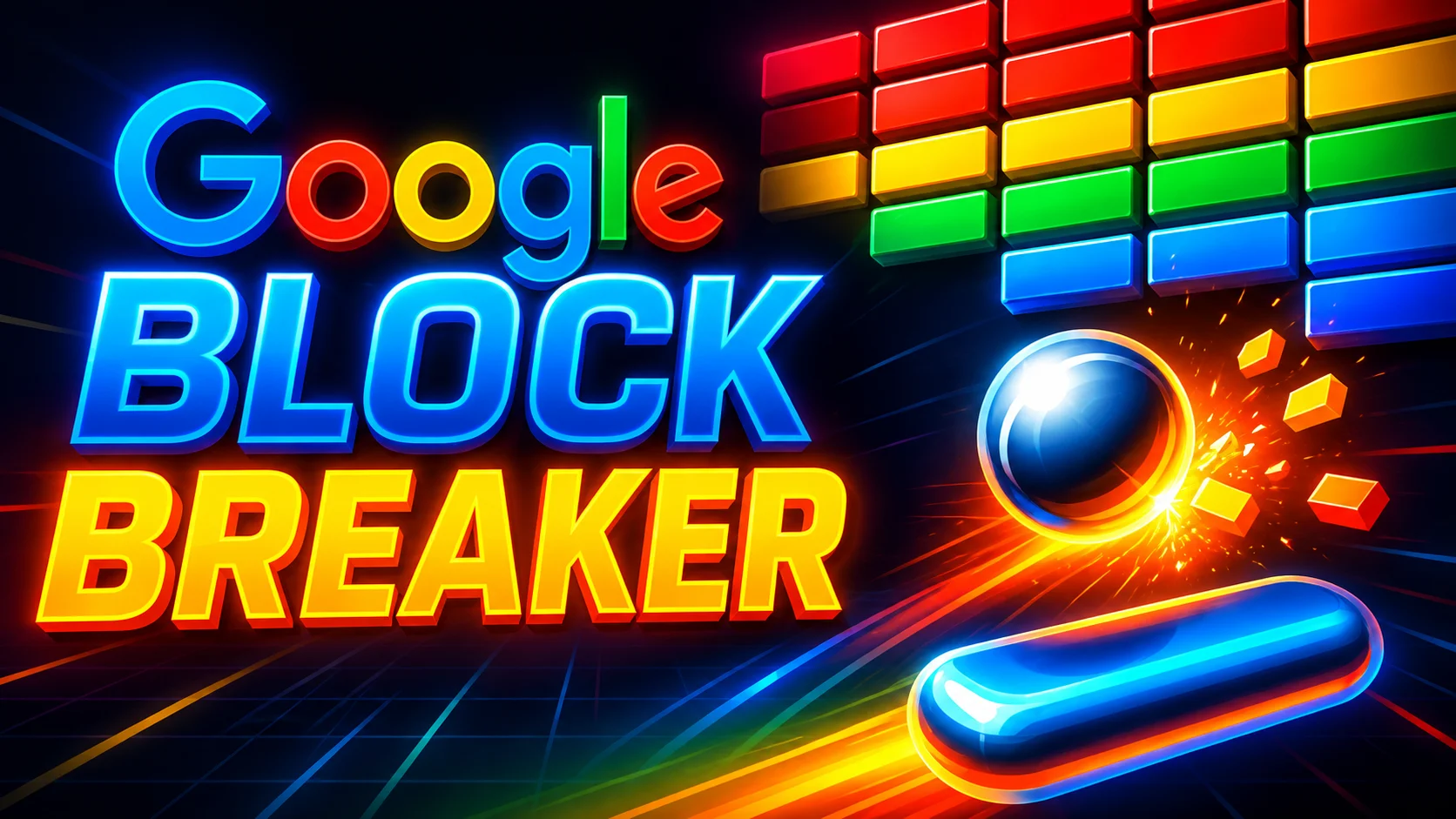
Looking for a quick game without installing anything? Google Block Breaker is a brick-breaking arcade game found through Google Search. It uses a paddle, a bouncing ball and rows of coloured blocks.
The basic idea is simple. Move the paddle, keep the ball in play and break the blocks.
Google added the game to Search in January 2025. Current reporting says it works on desktop and mobile web, as well as the Google app on Android and iOS.
This guide explains how to find Google Block Breaker, how to play it, which controls to use, what the power-ups do, and how it differs from Atari Breakout.
What Is Google Block Breaker?
Google Block Breaker is a Breakout-style arcade game available through Google Search.
The game places a paddle near the bottom of the screen. A ball bounces around the play area and hits blocks above it. Your job is to keep the ball from falling past the paddle while clearing the blocks.
Google’s version uses colourful rows inspired by Google’s familiar colour palette. Some blocks are harder to break. Others can provide special effects such as extra balls, a longer paddle, TNT or dual blasters.
It is worth noting one important detail.
Google Block Breaker is not the same thing as every website that uses the name “Google Block Breaker”. Search results can also show independent browser games and recreations.
That difference matters when you want the Google Search version.
How to Play Google Block Breaker
Getting started is simple.
Step 1: Open Google Search
Open Google Search on your computer, phone or supported Google app.
You do not need to install a separate game first.
Step 2: Search for Block Breaker
Type:
Block Breaker
The game has also been reported through related searches such as “Brick Breaker”.
Step 3: Find the Game Card
Look for the interactive Block Breaker game card in the search results.
Availability can vary, so the game may not appear in every search or context.
Step 4: Press Play
Select the Play button.
The game opens as an interactive experience.
Step 5: Move the Paddle
Use the available controls to move the paddle left and right.
On desktop, current reporting describes the left and right arrow keys. On mobile, touch controls are used.
Step 6: Break the Blocks
The ball bounces around the board.
Keep the paddle under the ball and use each bounce to hit the blocks.
Step 7: Keep Playing
Clear the board while trying not to lose the ball.
After a round is completed, more rows can appear. Current reports describe four additional rows being added after a completed round.
How Google Block Breaker Works
The gameplay follows the classic brick-breaker format.
The basic loop is:
- Control the paddle.
- Keep the ball in play.
- Hit the blocks.
- Break the blocks.
- Collect useful effects when available.
- Avoid losing the ball.
- Build your score.
- Continue through the game.
You do not need complicated gaming skills to understand it.
The challenge comes from timing.
As the ball moves around the board, you need to predict where it will return. A small movement of the paddle can make the difference between a successful hit and a lost life.
Google Block Breaker Controls
The controls depend on the device.
| Platform | Controls |
|---|---|
| Desktop | Left and right arrow keys |
| Mobile web | Touch or direct paddle movement |
| Google app | Touch controls where supported |
Current reporting confirms left and right arrow controls on desktop. Mobile players can move the paddle through direct touch interaction.
Controls can change with updates or device support. If your device behaves differently, use the controls shown by the game itself.
How to Play Google Block Breaker on Mobile
Google Block Breaker is designed to work on mobile web as well as desktop.
Reports from its launch described support for mobile web and the Google app on both Android and iOS.
On a phone, the main difference is the control method.
Instead of using arrow keys, you control the paddle with touch.
This makes short gaming sessions easy. You can open Google Search, launch the game and start playing without setting up a separate gaming app.
However, do not assume every phone has exactly the same controls. Browser and app behaviour can differ.
How to Play Google Block Breaker on a PC
Playing on a PC is straightforward.
- Open Google Search.
- Search for Block Breaker.
- Find the interactive game.
- Select Play.
- Use the left and right arrow keys.
- Keep the paddle beneath the ball.
- Break as many blocks as possible.
Desktop play can feel more precise because you have physical keyboard controls.
If the game appears in a smaller window, current reporting says the desktop experience can also be enlarged.
What Is the Goal of Google Block Breaker?
The main goal is simple:
Break the blocks while keeping the ball from falling past the paddle.
The main parts are easy to understand.
Paddle
The paddle moves from side to side.
You use it to bounce the ball back towards the blocks.
Ball
The ball travels around the play area.
If you fail to catch it with the paddle, you can lose a life.
Blocks
Blocks are the targets.
Breaking them helps clear the board and increase your score.
Score
Your score appears at the top of the game.
It gives you a simple way to track your progress.
Lives
Current launch reporting says players begin with three lives and can gain additional lives during play.
Google Block Breaker Blocks
Not every block behaves in exactly the same way.
Launch coverage described different block types. Some blocks take more effort to break, while others can trigger special effects.
Reported examples include blocks linked to:
- Extra balls
- A longer paddle
- TNT
- Dual blasters
- Extra lives
These effects make the game more than a basic copy of the original Breakout formula.
However, be careful with online guides.
Many websites use the phrase Google Block Breaker for their own versions. Some describe power-ups that are not confirmed for Google’s Search game.
For that reason, features should only be treated as official when they can be supported by the Google Search experience or reliable reporting.
Google Block Breaker Power-Ups
Power-ups add another layer to the game.
Some blocks can release useful effects when broken.
Reported examples include extra balls, a longer paddle, TNT and dual blasters.
Extra Balls
An extra ball can give you another active ball during play.
This can help clear blocks faster. It can also make the board harder to track because more than one ball may be moving at once.
Longer Paddle
A longer paddle gives you more space to catch the ball.
That can be useful when the ball moves quickly towards the bottom of the screen.
TNT
TNT is one of the more unusual effects reported in Google’s game.
It can affect nearby blocks and help clear part of the board.
Dual Blasters
The dual blaster effect adds a shooting element to the paddle.
It has been described as a small nod to the classic Space Invaders style of gameplay.
How to Get a Higher Score in Google Block Breaker
There is no guaranteed trick for a high score.
Good play mostly comes from timing and control.
Keep the Paddle Moving
Do not leave the paddle in one place.
Move it towards the expected landing point of the ball.
Watch the Ball
The ball is more important than the blocks.
Try to follow its movement rather than staring at one target.
Learn the Bounce
Watch how the ball changes direction after hitting the paddle.
With practice, you can start predicting where it will go next.
Use the Paddle Carefully
Small movements are often easier to control than large ones.
Avoid moving too far when the ball is already close to the paddle.
Target Difficult Blocks
If a difficult block is blocking your route, try to reach it when the ball’s path allows.
Do not sacrifice the paddle position just to hit one block.
Use Power-Ups Wisely
A useful power-up can change the board quickly.
But do not chase a falling item if doing so makes you lose track of the ball.
Stay Calm
The game can become harder as you progress.
Quick reactions help, but calm movements can be just as important.
Google Block Breaker Tips for Beginners
If you are new to the game, start with these simple habits:
- Watch the ball first.
- Keep the paddle near its expected landing point.
- Avoid sudden large movements.
- Learn how the ball changes direction.
- Do not panic when the pace increases.
- Use helpful power-ups when safe.
- Focus on consistency.
- Practise in short sessions.
There is no need to rush.
The more you play, the easier it becomes to read the ball’s movement.
Is Google Block Breaker Free?
The Google Search version is presented as a free browser game.
You can launch it through Google Search without buying a separate game.
However, do not assume that every website using the name Google Block Breaker offers the same experience or terms.
Third-party games can have their own features, advertising, accounts or other requirements.
Does Google Block Breaker Need a Download?
No separate game download is required for the Google Search experience.
The game loads through Google Search.
This is one reason browser games can be convenient. You can start playing without installing a dedicated game.
Still, avoid downloading unknown software simply because a third-party website claims it offers an “official” version.
Is Google Block Breaker a Google Doodle?
This is a common source of confusion.
Google Doodles are special changes to Google’s homepage logo that celebrate people, events, places or other subjects.
Google also has interactive games and Easter eggs inside Search.
Google Block Breaker is best described as a Google Search game or Easter egg, rather than automatically calling it a Google Doodle.
Launch coverage described it as a new game added to Google Search.
That distinction is useful because Google has created other interactive experiences that are officially presented as Doodles.
Google Block Breaker vs Atari Breakout
Google Block Breaker and Atari Breakout share the same basic idea.
Both use a paddle, a ball and blocks.
But they are separate games.
| Feature | Google Block Breaker | Atari Breakout |
|---|---|---|
| Style | Modern brick breaker | Classic arcade game |
| Paddle | Yes | Yes |
| Ball | Yes | Yes |
| Blocks | Yes | Yes |
| Special effects | Reported in Google’s version | Original game did not use the same modern power-up system |
| Platform | Google Search | Atari arcade game |
Google’s version takes inspiration from the classic Breakout format.
It should not be confused with Google’s older Atari Breakout Search Easter egg.
Google Block Breaker vs Third-Party Games
This is where many searchers become confused.
Search results for “Google Block Breaker” can contain several different things:
- Google’s Search game.
- Independent browser recreations.
- Guides about older Google games.
- Websites using similar names or branding.
Some independent websites clearly state that they are not affiliated with Google.
That does not automatically mean those games are unsafe. It simply means they should not be treated as Google’s official Search experience.
A Simple Rule
If the game appears directly inside Google Search, you are looking at Google’s Search experience.
If a separate website loads its own game, treat it as a third-party game unless the site clearly proves otherwise.
Why Is Google Block Breaker Not Showing?
Sometimes the game may not appear when you search.
That does not necessarily mean something is wrong with your device.
Possible reasons include:
- Search results can change.
- Availability can vary by context.
- The search query may not trigger the game.
- Browser issues can affect interactive features.
- Google may change or remove Search features.
- Older guides may describe behaviour that is no longer current.
Try these steps:
- Refresh Google Search.
- Search for Block Breaker.
- Try another browser.
- Try desktop and mobile.
- Check whether other Google Search features work.
- Avoid assuming a third-party result is the official game.
Do not rely on an old screenshot alone.
Interactive Search features can change over time.
Can You Play Google Block Breaker on a Phone?
Yes, current launch reporting described Google Block Breaker as available on mobile web and in the Google app for Android and iOS.
The mobile experience uses touch controls instead of desktop arrow keys.
You can therefore play without a physical keyboard.
The exact behaviour can depend on the device, browser and current Google Search experience.
Can You Play Google Block Breaker on a Laptop?
Yes.
Google’s Search version was reported as available on desktop web.
On a laptop or desktop computer, the main reported controls are the left and right arrow keys.
Simply search for Block Breaker and look for the interactive game card.
Does Google Block Breaker Work on Chromebook?
A Chromebook uses a web browser, so a browser-based Search game can potentially be accessed through Google Search.
However, device support can change.
If the game does not appear, try refreshing Search or using another supported browser.
Do not treat a third-party Chromebook game as proof that Google’s version is currently available.
Google Block Breaker and Browser Gaming
Browser games have one clear advantage.
They can be quick to access.
You do not always need a large installation or a dedicated gaming platform. A simple browser can be enough for short gaming sessions.
Google Block Breaker fits this model.
You search for the game, open the interactive card and start playing.
The simple controls also make it suitable for casual play.
You can play for a few minutes during a break rather than committing to a long gaming session.
Why People Like Google Block Breaker
The appeal is easy to understand.
Nostalgia
The game uses a familiar brick-breaking format.
Players who remember classic arcade games may recognise the basic design immediately.
Simple Gameplay
There are only a few core actions.
Move the paddle. Watch the ball. Break the blocks.
Fast Start
There is little setup involved with the Search version.
Familiar Arcade Format
The Breakout-style format has been used in many games over the years.
Short Sessions
You can play for a short period without needing a large time commitment.
Google Easter Egg Curiosity
Google has a long history of hidden Search features and interactive experiences.
Block Breaker adds another game to that wider collection.
Google Block Breaker History
The history needs a little care.
The basic idea comes from the classic Breakout style of arcade gameplay.
Google also previously offered an Atari Breakout Easter egg.
The newer Block Breaker experience is separate.
Current technology reporting places Google’s Search Block Breaker launch in January 2025. 9to5Google reported its addition on 29 January 2025.
The newer game therefore should not be presented as a re-release of the old Atari Breakout Easter egg.
They are related by gameplay style, but they are different Google experiences.
Is Google Block Breaker the Same as Google Atari Breakout?
No.
They are separate experiences.
Google Atari Breakout
This refers to Google’s older Atari Breakout Easter egg.
It brought the classic arcade concept into Google Search.
Google Block Breaker
This is the newer Search game reported in January 2025.
It uses a modernised block-breaking format and includes reported effects such as extra balls, a longer paddle, TNT and dual blasters.
The similar gameplay explains why people often mix them up.
Is Google Block Breaker Safe to Play?
The Google Search version is accessed through Google Search.
That is different from clicking an unknown download on a third-party website.
If you want the Google experience, check that you are actually using Google Search before starting the game.
It is also sensible to:
- Check the website address.
- Avoid unexpected downloads.
- Do not install unknown software to play a simple browser game.
- Be careful with sites asking for unnecessary personal information.
- Distinguish Google’s Search game from independent recreations.
For broader online safety advice, Blogifi.uk also covers practical topics such as cyber security tips. Cyber Security Tips
This does not mean every third-party game is unsafe. It simply means you should know which site you are using.
Google Block Breaker for Kids
Google Block Breaker has simple arcade-style controls.
The basic gameplay is easy to understand:
- Move the paddle.
- Keep the ball in play.
- Break blocks.
- Continue through the board.
That makes the game easy to understand for many casual players.
However, it should not automatically be described as an officially child-focused Google product unless Google provides that description.
Parents should also remember that Google Search can display many other results around an interactive game.
Common Google Block Breaker Mistakes
New players often make simple mistakes.
Searching for the Wrong Game
There are many block-breaking games online.
Make sure you know whether you want Google’s Search game or a third-party recreation.
Confusing It With Atari Breakout
The games share a similar concept but are not identical.
Assuming Every Clone Is Official
A website using “Google Block Breaker” in its title is not automatically owned by Google.
Expecting Identical Controls
Desktop and mobile controls are different.
Trusting Old Articles
Search games can change.
A guide written soon after launch may not describe today’s exact experience.
Believing Unsupported Claims
Be cautious with claims about fixed level counts, world records or special features unless they are supported by reliable evidence.
Google Block Breaker FAQs
What is Google Block Breaker?
Google Block Breaker is a brick-breaking arcade game available through Google Search. You control a paddle, bounce a ball and break blocks while trying to keep the ball in play.
How do I play Google Block Breaker?
Search for Block Breaker on Google. If the interactive game card appears, select Play and use the controls shown on your device.
Is Google Block Breaker free?
The Google Search version is presented as a free browser game. Third-party websites using the same or similar name may have different features and conditions.
Can I play Google Block Breaker on mobile?
Yes. Launch reporting described the game as available on mobile web and through Google’s Android and iOS apps.
Can I play Google Block Breaker on a laptop?
Yes, when the Search game is available. Desktop players can use the left and right arrow keys to move the paddle.
Does Google Block Breaker require a download?
The Google Search version does not require a separate game download. It loads through Google Search.
Is Google Block Breaker a Google Doodle?
It is better described as a Google Search game or Easter egg. Current launch reporting describes it as a game added to Search rather than a traditional Google Doodle.
Is Google Block Breaker the same as Atari Breakout?
No. They share the classic paddle-and-ball concept, but Google’s newer Block Breaker is a separate Search game.
What are the controls for Google Block Breaker?
Desktop play uses the left and right arrow keys according to launch reporting. Mobile play uses touch controls.
Does Google Block Breaker have power-ups?
Yes. Reports about Google’s version describe effects including extra balls, a longer paddle, TNT and dual blasters.
How do I get a higher score in Google Block Breaker?
Focus on keeping the ball in play. Watch its path, position the paddle early and use useful power-ups when you can do so safely.
Why can’t I find Google Block Breaker?
Availability can vary. Try searching for Block Breaker, refreshing Search, using another browser or trying another device.
Can I play Google Block Breaker on Chromebook?
A Chromebook can access browser-based Google Search features, but availability can vary. If it does not appear, try refreshing Search or another browser.
Is Google Block Breaker available in the Google app?
Launch reporting says it was available in the Google app on Android and iOS.
Are Google Block Breaker websites official?
No. A website using the name does not automatically mean it is operated by Google. Check whether you are playing directly through Google Search or on an independent site.
Final Thoughts
Google Block Breaker brings a familiar brick-breaking format into Google Search.
Finding it is simple. Search for Block Breaker, look for the interactive game and select Play when it is available.
Desktop users can use the left and right arrow keys, while mobile players can use touch controls. The game also adds reported effects such as extra balls, longer paddles, TNT and dual blasters.
It is also important to separate the newer Block Breaker game from Google’s older Atari Breakout Easter egg and from independent websites using similar names.
If the game does not appear, try another search, browser or device. Availability can change as Google updates its Search features.
For a quick arcade session, the idea remains simple: move the paddle, follow the ball and break the blocks.