Introduction
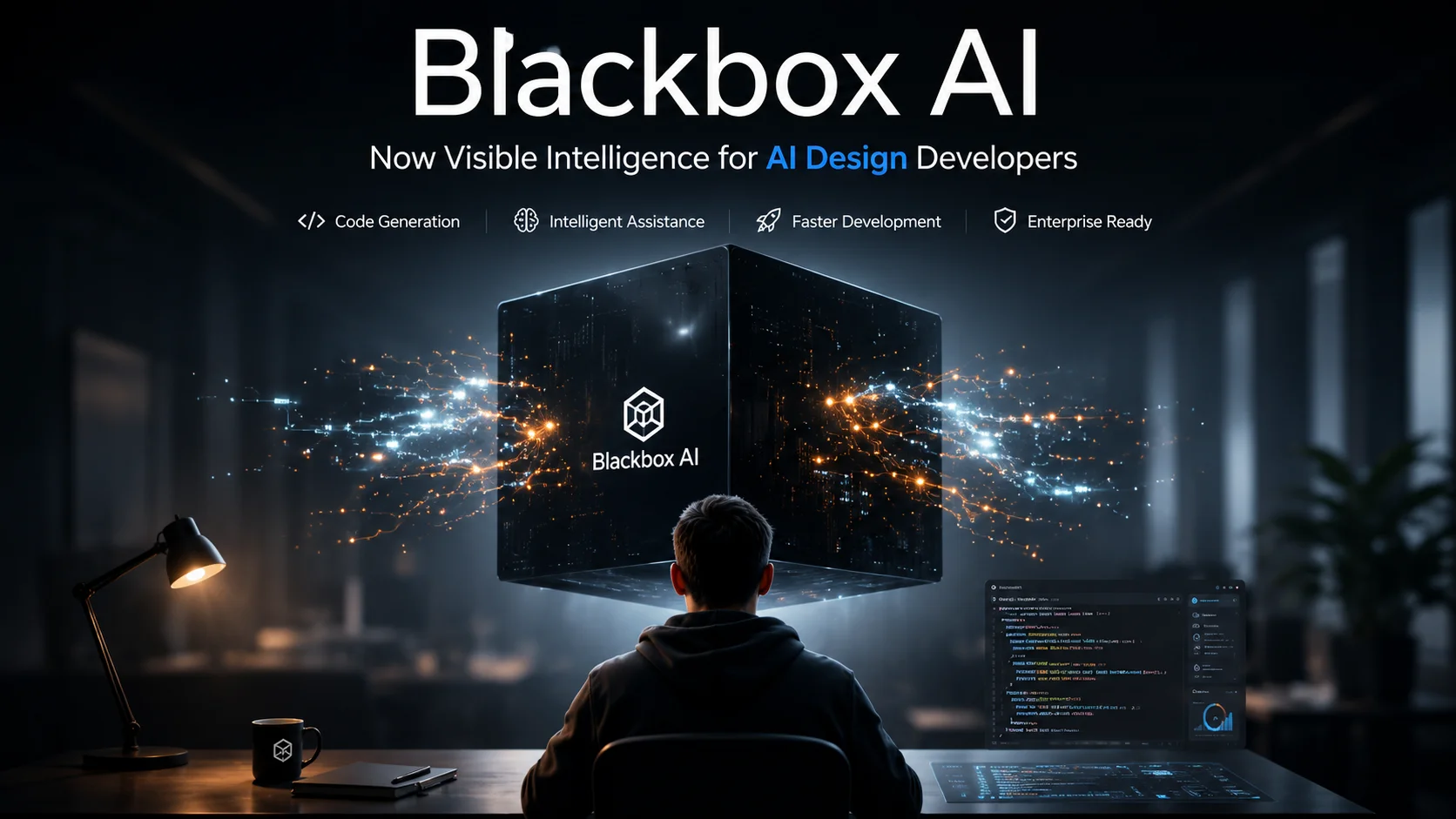
Blackbox AI is an AI-powered platform for software development. It can help developers write, edit, explain, debug, and improve code. It also provides AI agents, an API, a command-line tool, IDE integrations, and access to many AI models.
The platform has changed a lot over time. It is no longer just a simple code completion tool. Today, Blackbox AI offers a wider development environment with coding agents, model routing, app-building tools, and developer APIs.
This guide explains what Blackbox AI is, how it works, its main features, pricing, free options, safety, use cases, alternatives, and more.
What Is Blackbox AI?
Blackbox is an AI development platform designed to help people build software with artificial intelligence.
It can assist with common coding tasks. These include code generation, code completion, debugging, editing, and code explanation.
The platform also supports more advanced workflows. Its current products include an AI-native development environment, coding agents, an API, command-line tools, VS Code support, and access to more than 300 AI models.
For developers, the main benefit is flexibility.
Instead of using AI in only one way, you can use AI through different tools and workflows.
Blackbox AI vs. Black-Box AI: What Is the Difference?
The terms can be confusing.
BLACKBOX AI refers to the software development and AI platform discussed in this article.
Black-box AI is a general term in artificial intelligence. It describes an AI system where the internal process is difficult for users to understand.
For example, you may provide an AI model with an input and receive an answer. However, you may not know exactly how the model reached that result.
These are two different meanings.
When people search for Blackbox as a product, they are usually looking for the development platform.
How Does Blackbox AI Work?
Blackbox AI uses AI models to help with software development tasks.
You give the system a request. This request can be written in normal language.
For example:
Create a responsive contact form using HTML, CSS, and JavaScript.
The AI can then generate code based on the request.
You can continue the conversation to make changes.
For example:
Add form validation.
Then:
Make the design mobile friendly.
You can also ask the AI to explain code or find errors.
The exact result depends on the model, prompt, project context, and task.
That is why generated code should always be reviewed and tested before it is used in a real project.
What Can Blackbox AI Do?
Blackbox AI supports many development tasks.
Generate Code
You can describe what you want to build.
The AI can generate code for the requested task.
It can help with languages and frameworks used in modern software development.
However, generated code is not guaranteed to be correct.
Always test it.
Complete Code
Blackbox AI can provide coding suggestions while you work.
Its VS Code extension provides context-aware suggestions based on open files, imports, and project structure.
This can reduce the need to write repetitive code manually.
Explain Code
You can give Blackbox AI a piece of code and ask for an explanation.
This can be useful when:
- Learning a new language
- Working with old code
- Understanding a new project
- Reviewing a function
- Finding possible problems
Beginners can use this feature as a learning aid.
Debug Code
Blackbox AI can help identify possible coding errors.
You can provide the error message and relevant code.
A useful prompt is:
Find the cause of this error. Explain the problem first, then show the corrected code.
This is better than simply asking the AI to fix everything.
It gives you a chance to understand the problem.
Refactor Code
Refactoring means improving code without changing its intended behavior.
You can ask Blackbox AI to:
- simplify a function
- remove repeated code
- improve readability
- improve structure
- add comments
- break large functions into smaller parts
Always compare the old and new versions.
Build Applications
Blackbox AI also supports application-building workflows.
Its current product lineup includes Builder capabilities and agent-based development tools.
This makes the platform useful beyond simple autocomplete.
Main Blackbox AI Features
Blackbox AI now includes several different development surfaces.
AI-Native Development Environment
The platform is designed around AI-assisted development.
The goal is to let developers use AI throughout the development process instead of treating it as a separate chatbot.
Blackbox AI Agents
AI agents can handle multi-step development tasks.
Depending on the workflow, an agent may inspect project files, make changes, run commands, and work through development tasks.
This is more advanced than basic code completion.
However, agentic tools should be supervised.
An AI agent can make a wrong assumption or change code that you did not intend to change.
Multi-Agent Workflows
Blackbox AI also supports multi-agent workflows.
Its current VS Code experience allows users to run a multi-agent command and compare results from different agents and models.
This can be useful when a difficult task has more than one possible solution.
Instead of accepting the first answer, you can compare different implementations.
VS Code Extension
The Blackbox AI VS Code extension brings AI assistance directly into the editor.
It supports:
- Inline code suggestions
- Chat
- Code edits
- Project context
- Multi-agent workflows
Blackbox’s documentation says the extension has more than 4.2 million installs on the VS Code Marketplace.
For developers who already use VS Code, this can be one of the easiest ways to access Blackbox AI.
Blackbox AI CLI
The command-line interface gives developers an agentic terminal workflow.
This can be useful for people who prefer working from a terminal instead of a graphical interface.
A CLI can also fit naturally into existing development workflows.
Blackbox AI API
Blackbox AI also provides an API.
Its current API offering provides an OpenAI-compatible endpoint for more than 300 models. The platform says developers can change the base URL and keep much of their existing stack.
This can be useful when building applications that need access to different AI models.
Multiple AI Models
One of Blackbox AI’s major selling points is model choice.
The current platform advertises access to more than 300 models through its Router.
This can include different types of open and closed models.
The advantage is flexibility.
You can choose a model based on the task, quality, speed, context, or cost.
App Builder
Blackbox AI also supports application-building tools.
This makes it possible to move from an idea to a working prototype with AI assistance.
It can be useful for:
- Landing pages
- Small web apps
- Prototypes
- Internal tools
- Simple dashboards
You should still review the generated application before publishing it.
How to Use Blackbox AI
The exact interface can change over time, but the general workflow is simple.
Step 1: Create an Account
Start by creating a Blackbox AI account.
Choose the product or development environment that fits your needs.
Step 2: Choose Your Workspace
You can work through available Blackbox AI surfaces such as the web platform, IDE, VS Code, CLI, or other supported tools.
Step 3: Describe Your Task
Write a clear prompt.
Explain:
- What you want to build
- Which language you want
- Important requirements
- Existing files
- Expected output
Step 4: Review the Result
Do not accept generated code without checking it.
Read the changes.
Look for:
- Errors
- Missing requirements
- Security problems
- Unnecessary dependencies
- Incorrect assumptions
Step 5: Test the Code
Run the code.
Test normal cases and edge cases.
If you find an error, give the AI the exact error message.
Step 6: Improve the Result
Ask Blackbox AI to make specific changes.
Specific instructions usually produce more useful results than vague requests.
Best Blackbox AI Prompts for Coding
Good prompts can improve your results.
Code Generation Prompt
Build a responsive landing page using HTML and CSS. Use a clean layout, mobile-friendly design, and accessible buttons.
Debugging Prompt
Find the cause of this JavaScript error. Explain why it happens and then provide the corrected code.
Code Explanation Prompt
Explain this Python function in simple terms. Describe what each important section does.
Refactoring Prompt
Refactor this code to improve readability and remove repeated logic. Do not change its expected behavior.
Code Review Prompt
Review this code for bugs, security risks, performance problems, and poor coding practices. List the problems before suggesting changes.
App Building Prompt
Build a simple task management app with a responsive interface. Allow users to add, edit, complete, and delete tasks.
The more context you provide, the easier it is for the AI to understand your goal.
Blackbox AI Pricing
Blackbox AI pricing has changed over time, so old articles may show outdated plans.
The current official pricing page uses a token-based pricing model for its current Blackbox platform. It lists a Pay As You Go option with no monthly platform fee and an Enterprise option based on committed annual spending.
The current pricing page says the Pay As You Go option provides access to the 300+ model catalog and supported surfaces such as the API, CLI, VS Code, IDE, mobile, and Builder.
Why Blackbox AI Pricing Can Be Confusing
Different third-party articles still show older subscription plans.
For example, some 2026 reviews describe Pro, Pro Plus, and Pro Max plans.
The official pricing page now presents a different structure.
Therefore, always check the official pricing page before purchasing.
Prices and product plans can change.
Is Blackbox AI Free?
Blackbox AI offers basic functionality without a paid subscription, while additional products and usage can require payment. Its terms state that basic functionality is not charged, while additional features and products may be paid.
The current pricing page also lists a $0/month Pay As You Go commitment with metered, prepaid usage.
This is important.
Free access does not mean unlimited AI usage.
Your actual cost can depend on the models and amount of usage.
How Does Blackbox AI Token Pricing Work?
A token is a small unit of text processed by an AI model.
AI services can charge separately for input and output tokens.
Blackbox AI’s current pricing page lists per-million-token rates for individual models. It also says input, output, and cached reads are billed separately.
This means your cost can vary.
A short request may use fewer tokens.
A large coding project can use much more.
Long prompts, large files, and long AI responses can increase usage.
Before using an AI API heavily, check the current model rates.
Is Blackbox AI Safe?
Blackbox AI advertises several security and privacy features.
Its current platform says it provides end-to-end encryption and zero data retention for its Router. It also states that training opt-out is enabled by default and that retention and training controls are enforced through provider terms and per-request settings where supported.
Enterprise customers can also get additional controls.
These include:
- Single-tenant deployment
- Data residency
- SAML SSO
- SCIM
- RBAC
- Audit logs
- Customer-managed keys
- Contractual zero-data-retention controls
However, no AI coding tool should be treated as automatically risk-free.
You should still:
- Never share passwords
- Never expose private API keys
- Review generated code
- Check dependencies
- Scan applications for vulnerabilities
- Follow your company’s security rules
Security also depends on how you configure and use the platform.
Does Blackbox AI Store Your Code?
Blackbox AI’s current platform states that its Router enforces zero data retention and no training where the relevant provider controls support it.
Enterprise offerings provide additional contractual controls.
However, users should always read the current privacy policy and terms before sending sensitive information.
Do not paste secrets into an AI prompt.
That includes:
- Passwords
- Private keys
- Database credentials
- API keys
- Customer data
- Confidential business information
Is Blackbox AI Good for Beginners?
Blackbox AI can be useful for beginners.
It can explain code in simple language.
It can also help beginners understand errors.
For example, a new developer can ask:
Explain this error as if I have never used JavaScript before.
That can make learning easier.
However, beginners should not rely on AI for everything.
You still need to understand basic concepts.
Learn:
- Variables
- Functions
- Loops
- Data types
- Conditions
- APIs
- Databases
- Security
- Testing
AI should support your learning.
It should not replace it.
Blackbox AI for Experienced Developers
Experienced developers can use Blackbox AI for more advanced tasks.
Common uses include:
- Refactoring
- Debugging
- Test generation
- Documentation
- Code review
- Prototyping
- Repository work
- Automation
- Multi-agent development
The biggest benefit may be speed.
A developer can spend less time on repetitive tasks and more time on architecture and product decisions.
Still, experienced developers should review AI-generated changes.
Fast code is not always good code.
Blackbox AI vs Cursor
Blackbox AI and Cursor both target AI-assisted software development.
However, their approaches differ.
| Feature | Blackbox AI | Cursor |
|---|---|---|
| AI coding | Yes | Yes |
| AI agents | Yes | Yes |
| IDE workflow | Yes | Yes |
| Multiple models | Strong focus | Yes |
| VS Code support | Yes | Built around its own editor |
| API | Yes | Not its main focus |
| CLI | Yes | Yes |
| Best fit | Multi-model and agent workflows | AI-first coding environment |
There is no universal winner.
Choose Blackbox AI if you value access to many models and different development surfaces.
Choose Cursor if you prefer its dedicated AI coding environment and workflow.
Blackbox AI vs GitHub Copilot
GitHub Copilot is closely connected to the GitHub ecosystem.
Blackbox AI takes a broader multi-model approach.
| Feature | Blackbox AI | GitHub Copilot |
|---|---|---|
| Code generation | Yes | Yes |
| Code completion | Yes | Yes |
| AI chat | Yes | Yes |
| Agents | Yes | Yes |
| Multiple model options | Strong focus | Yes |
| GitHub integration | Available through workflows | Strong |
| API platform | Yes | Not the main focus |
| Best for | Multi-model AI development | GitHub-centered development |
If your workflow is heavily based on GitHub, Copilot may be attractive.
If you want a broad model catalog and flexible AI development surfaces, Blackbox AI may be worth considering.
Best Blackbox AI Alternatives
Blackbox AI is not the only AI coding platform.
Cursor
Cursor is an AI-focused coding editor.
It is popular with developers who want deep AI assistance inside an editor.
GitHub Copilot
GitHub Copilot is a strong choice for developers who already use GitHub heavily.
It provides AI assistance across supported development environments.
Windsurf
Windsurf focuses on AI-assisted development and agentic coding workflows.
Claude Code
Claude Code is designed for developers who want to work with AI agents from a coding environment and terminal.
Replit
Replit is useful for browser-based development and fast application prototyping.
The best alternative depends on your workflow.
Who Should Use Blackbox AI?
Blackbox AI may be a good fit for:
- Beginner developers
- Students
- Freelancers
- Software developers
- Startup teams
- Prototyping teams
- Developers who want multiple AI models
- Teams exploring AI agents
It can be especially useful if you want more than basic autocomplete.
Who Should Not Use Blackbox AI?
Blackbox AI may not be the best choice if:
- You do not want AI-generated code
- You need a very simple coding assistant
- Your organization has strict data rules that the selected configuration cannot satisfy
- You prefer one specific AI provider
- You do not want usage-based model costs
- You are unwilling to review AI-generated changes
The right tool depends on your needs.
Pros and Cons of Blackbox AI
Pros
- Large model selection
- AI coding assistance
- Coding agents
- Multi-agent workflows
- VS Code integration
- CLI
- API
- App-building capabilities
- Flexible development surfaces
- Enterprise security options
The current platform advertises 300+ models and a shared development ecosystem across its API, agents, CLI, VS Code, and other surfaces.
Cons
- Product features can change quickly
- AI-generated code can contain errors
- Usage-based pricing requires attention
- Different models can produce different results
- Advanced features may require more technical knowledge
- AI agents need supervision
How to Get Better Results From Blackbox AI
You do not need complicated prompts.
You need clear prompts.
Give Context
Tell the AI about your project.
Instead of:
Fix this.
Try:
This is a React dashboard. The button does not submit the form on mobile. Find the cause and suggest a fix without changing the existing UI.
Define the Goal
Tell the AI what success looks like.
Give Constraints
For example:
Do not add a new library.
This can prevent unnecessary changes.
Ask for an Explanation
Ask the AI to explain important changes.
This makes it easier to review the result.
Test Everything
Never assume generated code works just because it looks correct.
Run it.
Test it.
Review it.
Is Blackbox AI Worth It?
Blackbox AI can be worth considering if you want AI-assisted development with access to many models and different development tools.
Its current platform is much broader than a basic code completion assistant. It includes a model Router, agents, API, CLI, VS Code, IDE, mobile, and Builder capabilities.
However, value depends on your workflow.
A casual developer may need only basic AI help.
A professional developer may benefit more from agents, APIs, model choice, and automation.
You should also consider cost.
The current pricing model is usage-based, so heavy users should understand token costs before committing to a large workload.
Frequently Asked Questions About Blackbox AI
What is Blackbox AI used for?
Blackbox AI is used for AI-assisted software development. It can help with code generation, completion, debugging, editing, explanation, agents, application building, and access to multiple AI models.
Is Blackbox AI free?
Blackbox AI offers basic functionality without a paid subscription. Its current pricing also includes a pay-as-you-go model with usage-based costs.
Is Blackbox AI good for coding?
Yes. It is designed for coding and software development. It can help with code generation, editing, debugging, completion, and agent-based development.
Can Blackbox AI build an app?
Yes. Blackbox AI provides application-building tools and agent-based development features. The exact capabilities depend on the current product and plan.
Can Blackbox AI replace a developer?
No. AI can automate many development tasks, but human developers are still needed for architecture, testing, security, product decisions, and code review.
Is Blackbox AI safe?
Blackbox AI advertises encryption and zero-data-retention controls for its current Router, with additional enterprise security features. Users should still follow secure development practices and review the current privacy and security terms.
Does Blackbox AI work with VS Code?
Yes. Blackbox AI provides a VS Code extension with inline assistance, chat-driven edits, project context, and multi-agent capabilities.
What are the best Blackbox AI alternatives?
Popular alternatives include Cursor, GitHub Copilot, Windsurf, Claude Code, and Replit. The best option depends on your preferred editor, workflow, model needs, and budget.
Final Verdict
Blackbox AI is more than a basic AI coding assistant.
Its current platform combines AI coding tools, agents, multiple models, API access, CLI tools, VS Code support, IDE workflows, and application-building capabilities. It also offers a model Router that currently advertises access to more than 300 models.
That makes it interesting for developers who want flexibility.
It can help beginners learn code. It can also help experienced developers automate repetitive work.
But you should not blindly trust AI-generated code.
Review every important change.
Test your application.
Protect your private data.
And check the current pricing before buying or committing to heavy usage.
For developers who want multiple AI models, coding agents, flexible development tools, and API access, Blackbox AI is worth exploring.
For users who want a simpler or more specialized workflow, tools such as Cursor or GitHub Copilot may be a better fit.
The best AI coding tool is not the one with the most features.
It is the one that fits your workflow and helps you build better software.